

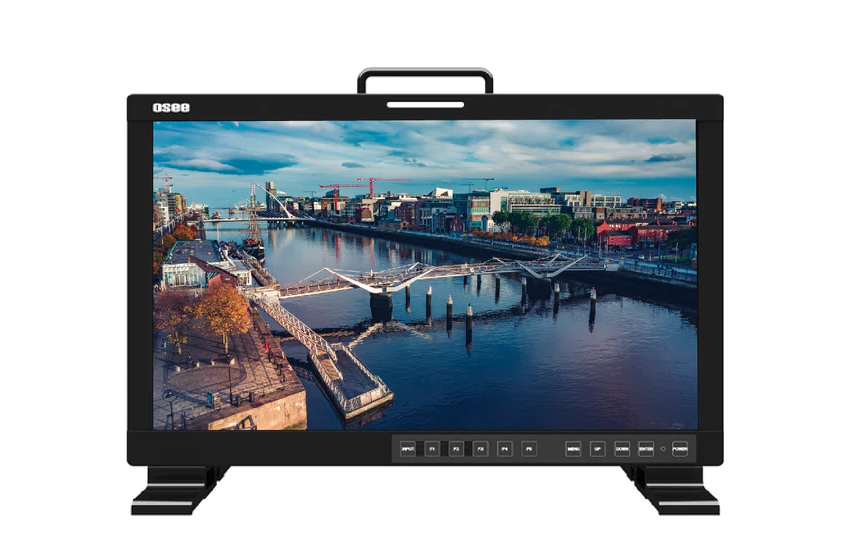

LC M170 E V-Mount
- MFR-CODE: LCM170E VMKIT
- BLK-CODE: 701-0005
- Production Monitor Kit
- With V-Mount Kit
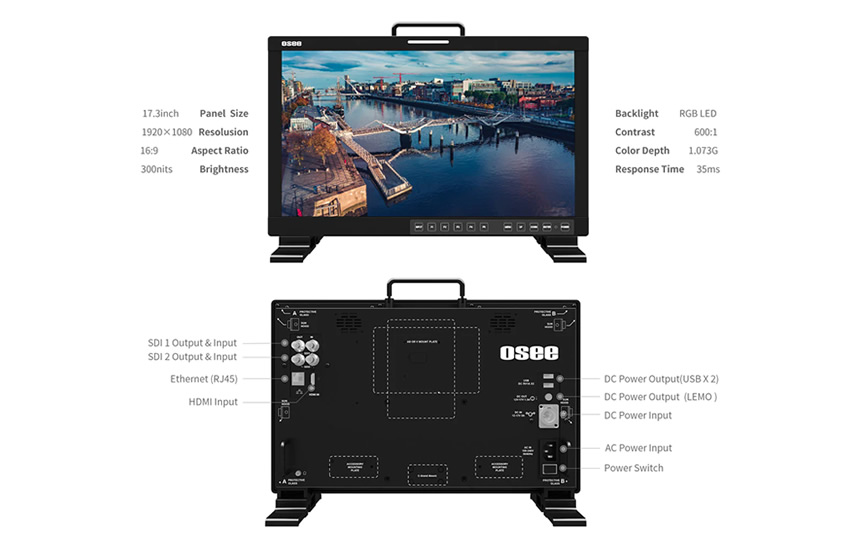
- 17.3" LCD - 300 nits Brightness
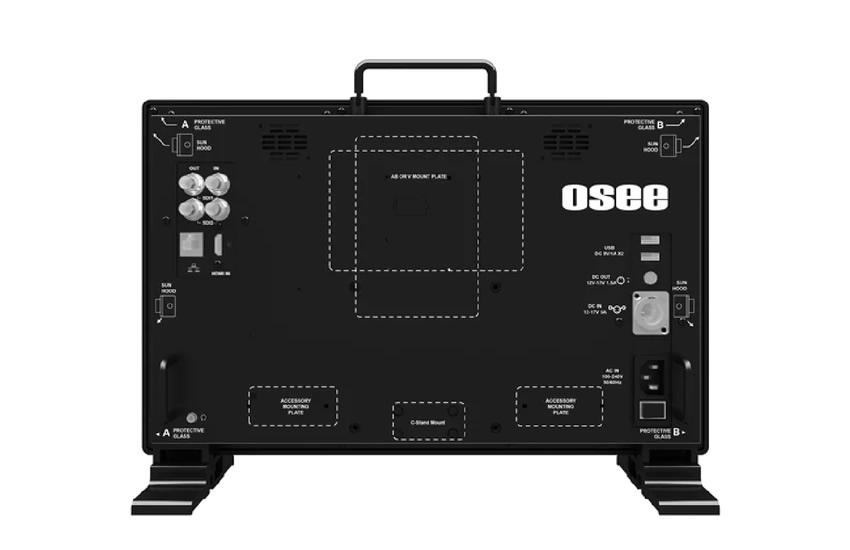
- HDMI, 3G-SDI Inputs
- 1920x1080 HD Resolution
- Contrast: 600:1
- 30W Power Consumption
- 2x USB & 1x Lemo DC Outputs
Various Application Scenarios
LCM170-E monitor's compatibility makes it suitable for all kinds of applications scenarios, you can sit it on a table or use a C-stand adapter to hang it on the rod, it's also compatible with wireless accessories to send out signals.
Software Features
PBP/PIP Monitoring
LCM170-E supports simultaneously display two SDI in PIP and PBP mode, which is very useful for multiple monitoring and video editing. For PIP display, the sub-image can be located at each corner of the main image.
DCI-P3 Gamut for the Film Production
LCM170-E supports DCI-P3, which is the standard color space used in most Ecinema projectors, then it allows you to make full use of your camera's wide gamut without clipping.
Multiple Color Lookup Profiles
Each monitor is equipped with multiple color lookup profiles for several different color spaces, there are 17 sheets of color profiles:
Standard LUTs: D65Rec709, DCI-P3 and Rec BT.2020
10 pre-loaded camera de-log LUTs(check the details in the Specificiationpart), the monitor can display correct video when you record and display in LOG.
4 User LUTs: Use Osee's Utility Tool to upload the User LUTs.
Anamorphic De-squeeze
This feature enables de-squeeze for HDMI, HD-SDI, 3G-SDI and 2K signals coming from a camera utilizing anamorphic lens.
Screen Aspect Formats Include:
16x9 (Off)
x1.3 Anamorphic De-Squeeze
x2.0 Anamorphic De-Squeeze
x2.0 MAG Anamorphic De-Squeeze
Exposure Tools
False Color
It generates an artificial luminance map of the input source to identify over exposed areas.
Zebra
The Zebra function is used to display images on the screen with a zebra pattern to adjust the camera exposure parameter. It will compare the signal luminance with the zebra level and fill the relevant image area, in which luminance is higher than the zebra level with a zebra pattern. LCM170-E's zebra level can be adjusted from 0 to 100.
Focus Tools
Focus Assist
The Focus Assist function is used to display images on the screen with intensified edge to help camera focus operation. LCM170-E's Focus Assist has color mode and gray mode. In color mode, you can choose blue/green/red to color the intensified edge. In grey mode, the image is in grey, it displays the edge of images with color selected in False Color.
Scope Tools
Waveform
The Waveform is used to evaluate the brightness of your image, the display mode, transparency, location on screen can be adjusted.
Vectorscope
The Vectorscope can show you how strong a particular color is by the length of the line out from the middle of the wheel. The longer the line, the stronger (or more saturated) the color. The display mode, transparency, location on screen can be adjusted.
Marker Tools
LCM170-E monitor can display various markers, including Aspect Marker, Area Marker, Center Marker and CrossHatch. What’s more, Marker Mat is available to help adjust the background (normal, 50% darkness or all black) of the outside area of marker.
Audio Tools
Up to 16 Channels audio level meter display with a choice of options including the meter display mode, meter direction(vertical or horizontal), and meter position(in Vertical direction, the meter will be displayed at bottom left/right or top left/right of the screen; in Horizontal direction, it will be displayed at the bottom or top of the screen).
Time Code
Time Code is displayed as the format of “HH:MM:SS:FF” at the bottom center of the screen, and if there is no available time code, it will not appear.
H-Flip
When a half-mirror type of rig is used either the left or right signal maybe reversed horizontally. The horizontal flip function turns the reversed image to the normal view.
Native
The Native scan function is a unique display mode that reproduces images without changing the input signal’s pixel count. It provides a 1:1 pixel to pixel mapped representation, thus the directors/filmmakers can check the image from the 1:1 signal source without scaling.
Blue Only
In Blue Only mode only the blue pixels of a display render the picture on the screen, the red and green color from the input signal will be removed.
Mono
With MONO mode it will display the image in monochrome presentation.
Closed Caption
There will be a SDI CC logo displayed at the top center of the screen, which indicates available CLOSED CAPTION (CC for short) information in the current SDI signal source.
Fast Mode
When displayed interlaced input signal, Fast Mode is used to reduce the 3D de-interlacing processing time delay. When FAST mode is set as OFF, the monitor will adopt a 3D de-interlacing processing which will deal a frame of interlaced signal to be 2 full fields (an odd field and an even field), this will improve the quality of video with fine details and reduce the signal dithering.
* The fast mode is only effective for interlaced signals.
Freeze
Activate this function to freeze the current frame displayed, press the function button again to release the freeze and continue to display.
Key Inhibit
The Key Inhabit is used to lock the settings so that they can’t be changed by an unauthorized user.
Mute
Activate this function to adjust the volume to 0, press the function button again to release the volume to the last value.
- LCM170-E Monitor
- Sunhood
- V-mount Battery Plate
- C-stand Adapter
- Desktop Stand Feet
- Power Cable
Battery
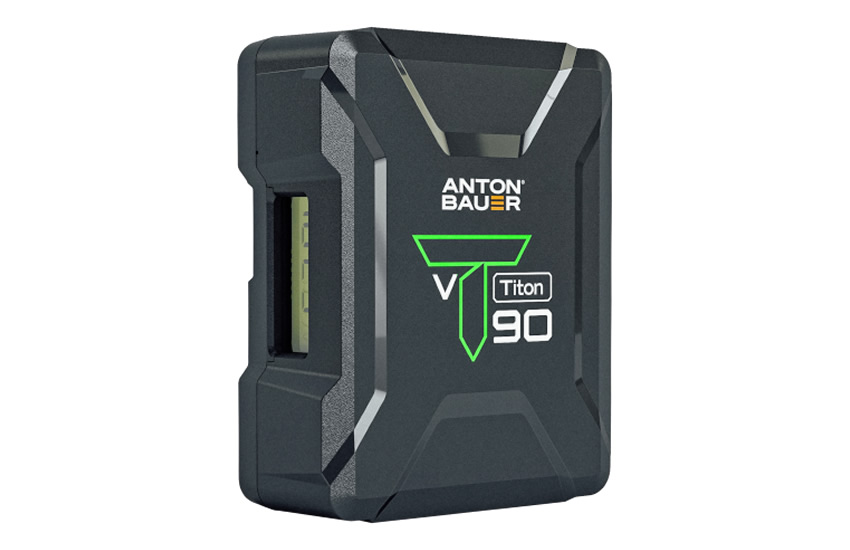

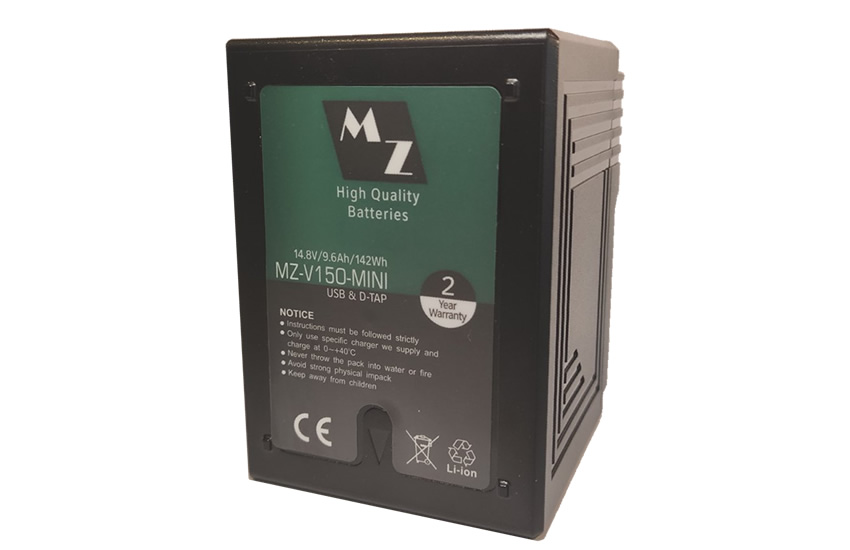

V150 Mini V-Lock w USB 142Wh
- High Quality Li-ion Mini Battery
- V-Lock type battery with USB
- 14.8V, 9600 mAh, 142Wh Zero Memory Effect. Low self discharge. Info chip - overheating protection High Quality
- 2-year Warranty
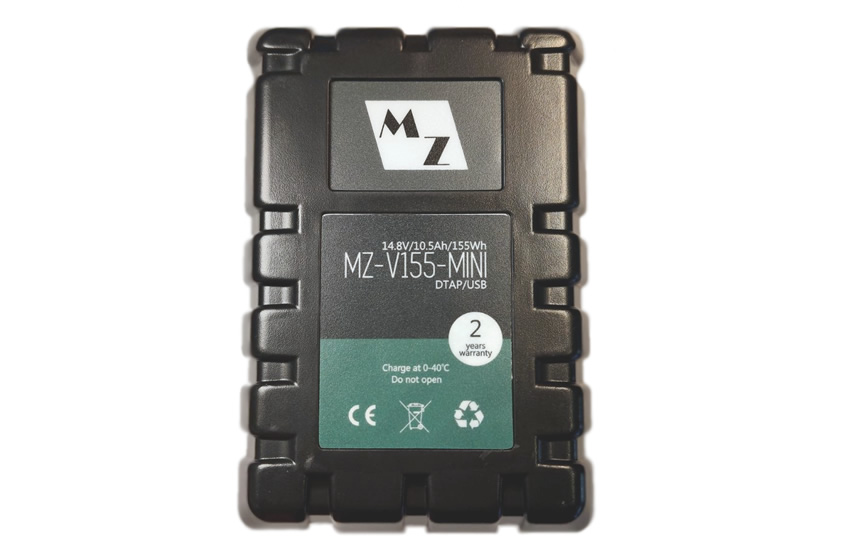
V155 Mini V-Lock w USB 155Wh
- High Quality Li-ion Mini Battery
- V-Lock type battery with USB
- 14.8V, 10.5Ah, 155Wh
- Max Current 12A Zero Memory Effect. Low self discharge. Info chip - overheating protection
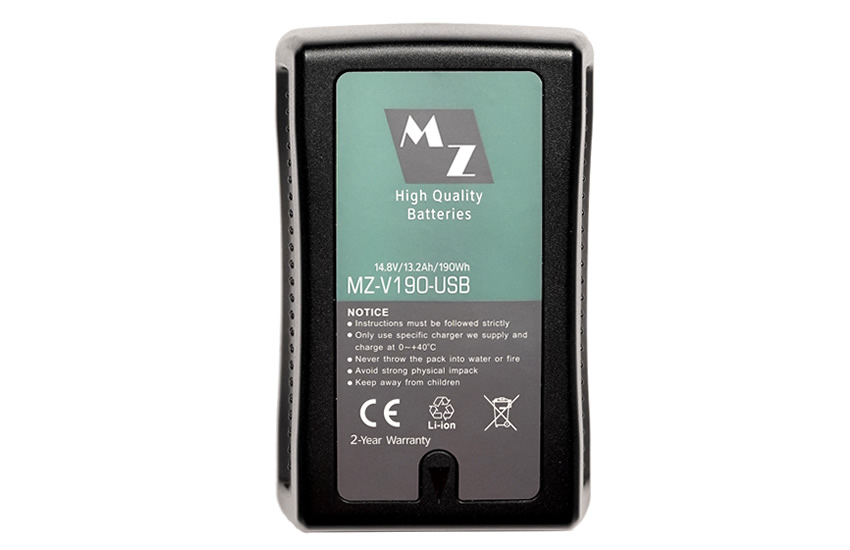
V190 V-Lock w USB 190Wh
- High Quality Li-ion Mini Battery
- V-Lock type battery with USB
- 14.8V, 13200mAh, 190Wh
- Max Current: 14.3A Zero Memory Effect. Low self discharge. Info chip - overheating protection
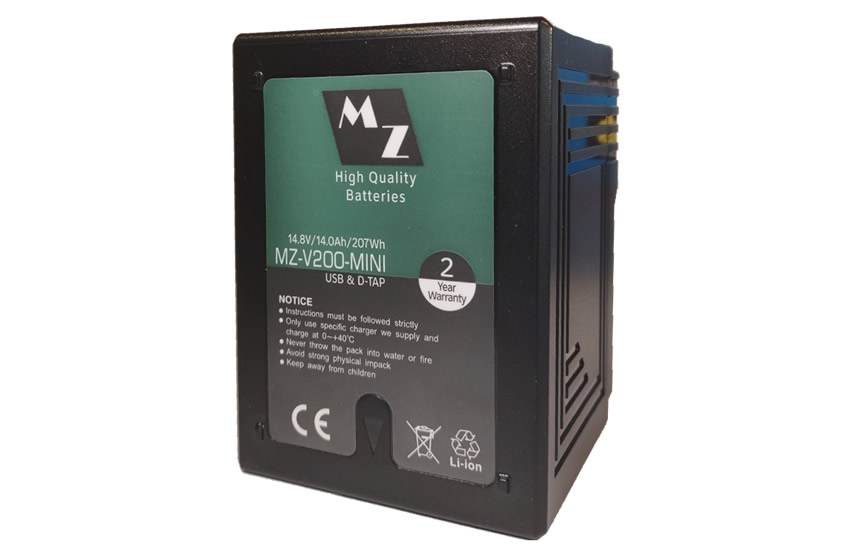
V200 Mini V-Lock w USB 207Wh
- High Quality Li-ion Mini Battery
- V-Lock type battery with USB
- 14.8V, 14000mAh, 207Wh Zero Memory Effect. Low self discharge. Info chip - overheating protection High Quality
- 2-year Warranty
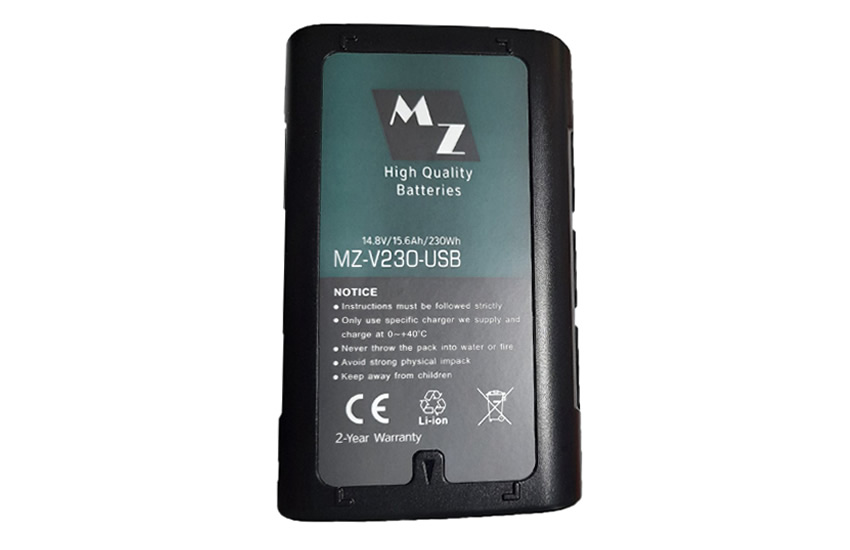
V230 V-Lock w USB 230Wh
- High Quality Li-ion Mini Battery
- V-Lock type battery with USB
- 14.8V, 15600mAh, 230Wh
- Max Current: 14.3A Zero Memory Effect. Low self discharge. Info chip - overheating protection
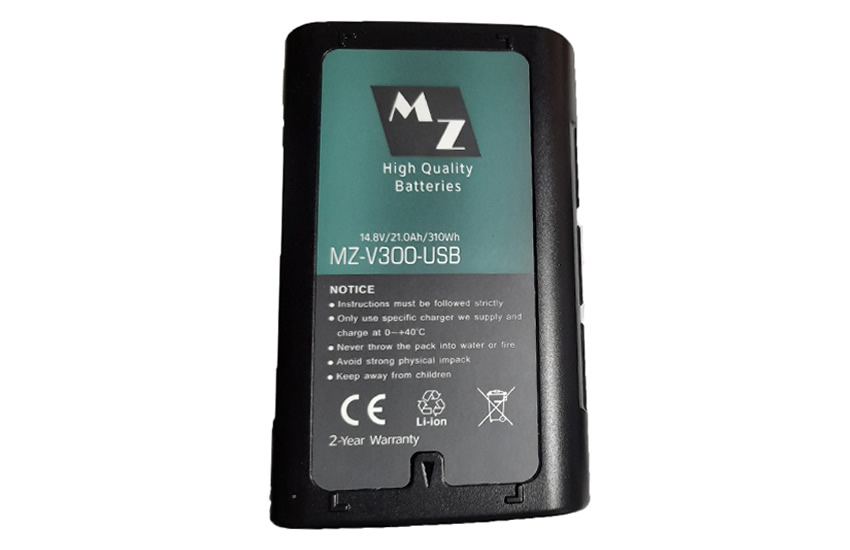
V300 V-Lock w USB 300Wh
- High Quality Li-ion Mini Battery
- V-Lock type battery with USB
- 14.8V, 21000mAh, 310Wh
- Max Current: 14.3A Zero Memory Effect. Low self discharge. Info chip - overheating protection
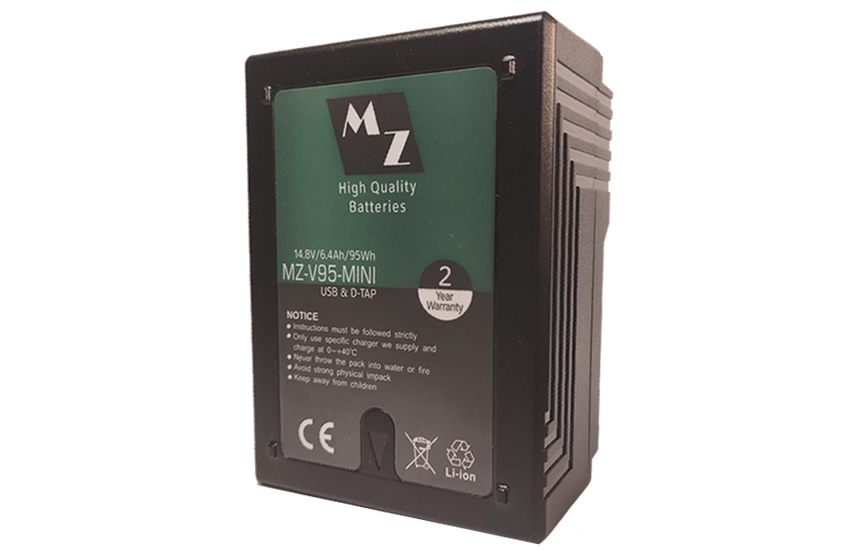
V95 Mini V-Lock w USB 95Wh
- High Quality Li-ion Mini Battery
- V-Lock type battery with USB
- 14.8V, 6400mAh, 95Wh Zero Memory Effect. Low self discharge. Info chip - overheating protection High Quality
- 2-year Warranty

V95 V-Lock w USB 95Wh
- High Quality Li-ion Mini Battery
- V-Lock type battery with USB
- 14.8V, 6600mAh, 95Wh
- Max Current: 14.3A Zero Memory Effect. Low self discharge. Info chip - overheating protection
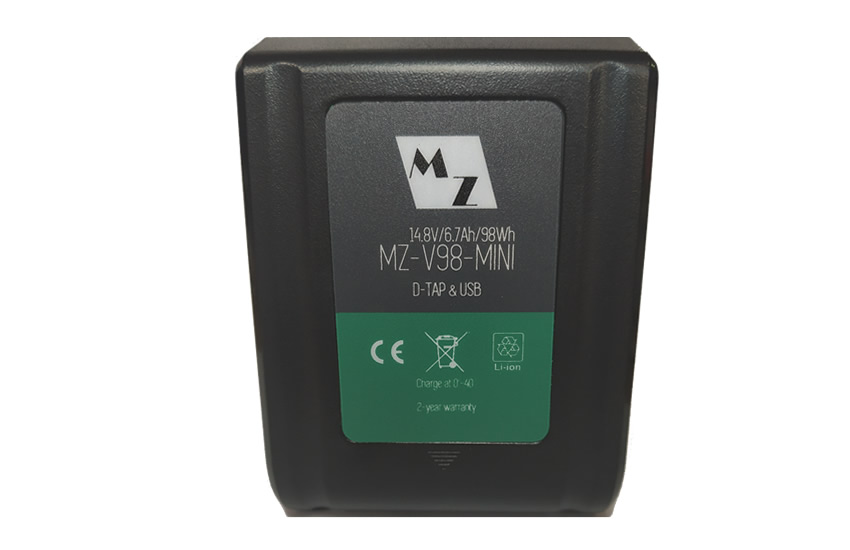
V98 Mini V-Lock w USB 98Wh
- High Quality Li-ion Mini Battery
- V-Lock type battery with USB, USB-C
- 14.8V, 6620mAh, 98Wh
- Max Current: 10A Zero Memory Effect. Low self discharge. Info chip - overheating protection
Cable
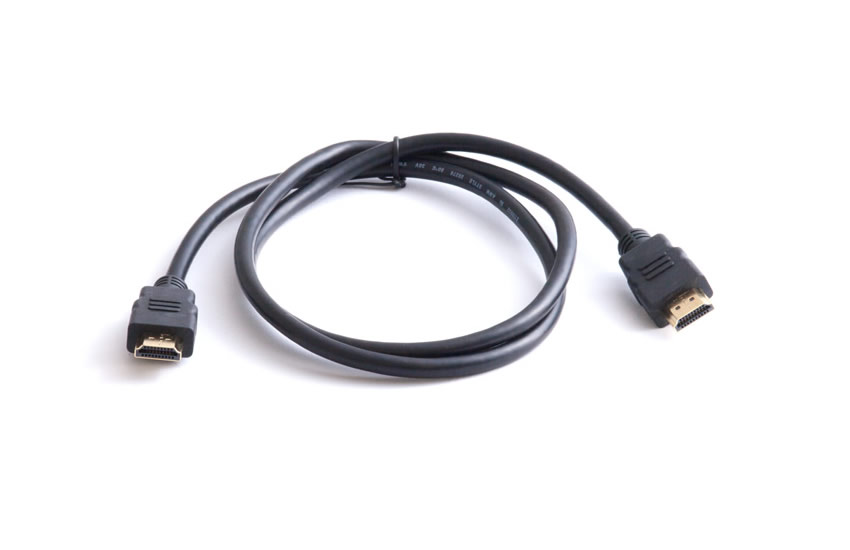
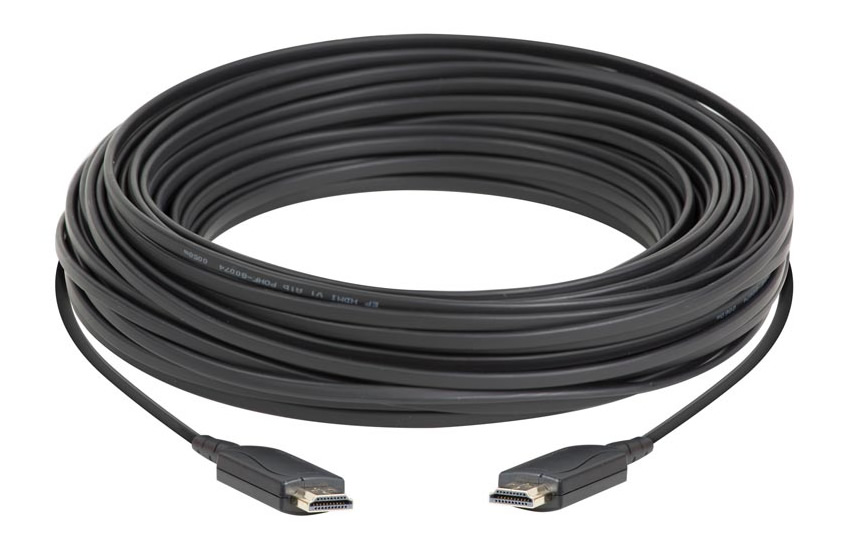

CB-60
- HDMI Optical Cable 30m
- Full HDMI to Full HDMI?
- Active Optical Cable (AOC)
- 4K UHD up to 100m
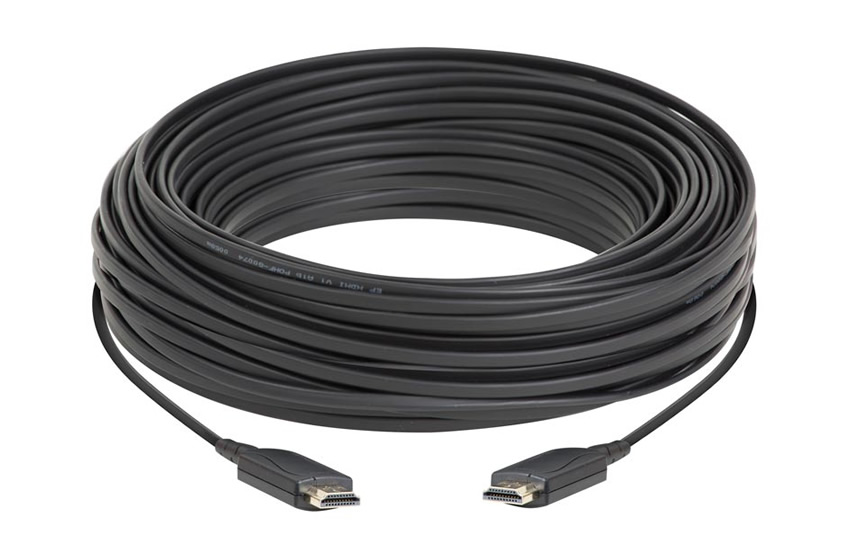
CB-61
- HDMI Optical Cable 50m
- Full HDMI to Full HDMI?
- Active Optical Cable (AOC)
- 4K UHD up to 100m
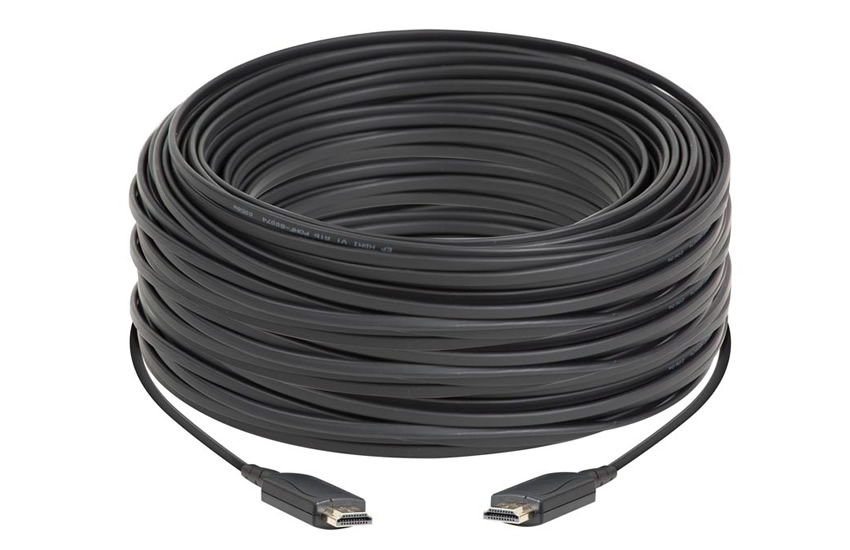
CB-62
- HDMI Optical Cable 100m
- Full HDMI to Full HDMI?
- Active Optical Cable (AOC)
- 4K UHD up to 100m
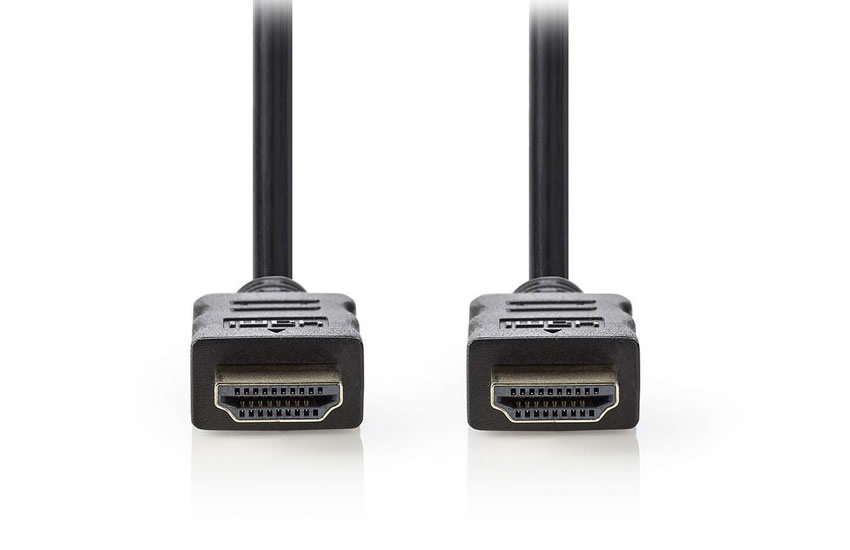
HDMI to HDMI 10m
- HDMI Cable 10m
- Full HDMI to Full HDMI
- 4K, 3D, Deep Color
- Up to 3840x2160pix
HDMI to HDMI 15m
- HDMI Cable 15m
- Full HDMI to Full HDMI
- 4K, 3D, Deep Color
- Up to 3840x2160pix
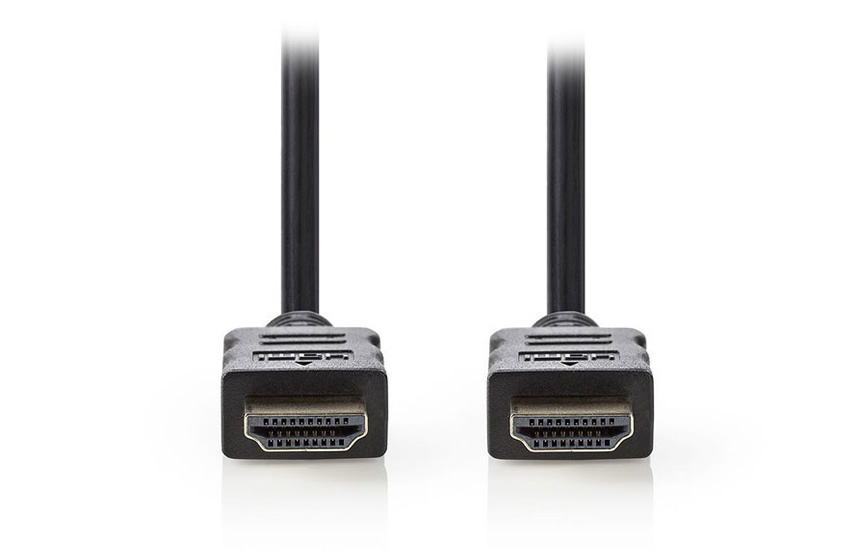
HDMI to HDMI 25m
- HDMI Cable 25m
- Full HDMI to Full HDMI
- 4K, 3D, Deep Color
- Up to 3840x2160pix
HDMI to HDMI 2m
- HDMI Cable 2m
- Full HDMI to Full HDMI
- 4K, 3D, Deep Color
- Up to 3840x2160pix
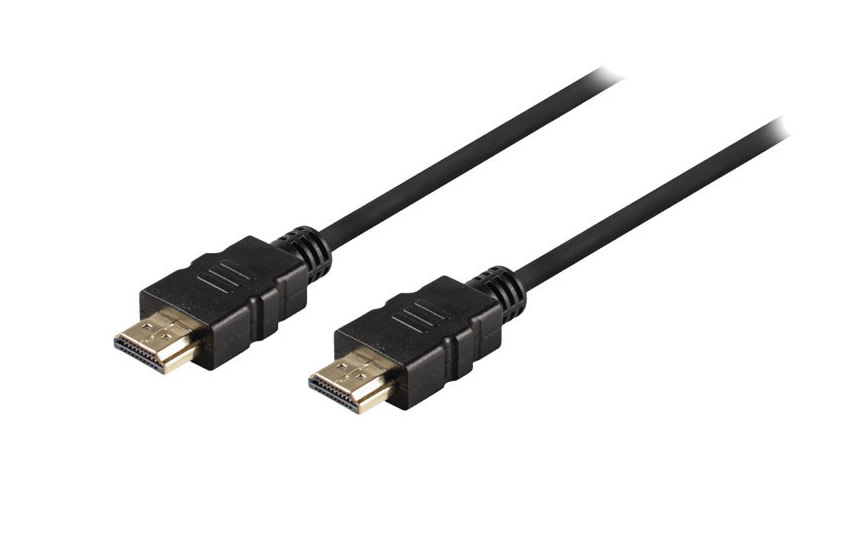
HDMI to HDMI 3m
- HDMI Cable 3m
- Full HDMI to Full HDMI
- 4K, 3D, Deep Color
- Up to 3840x2160pix
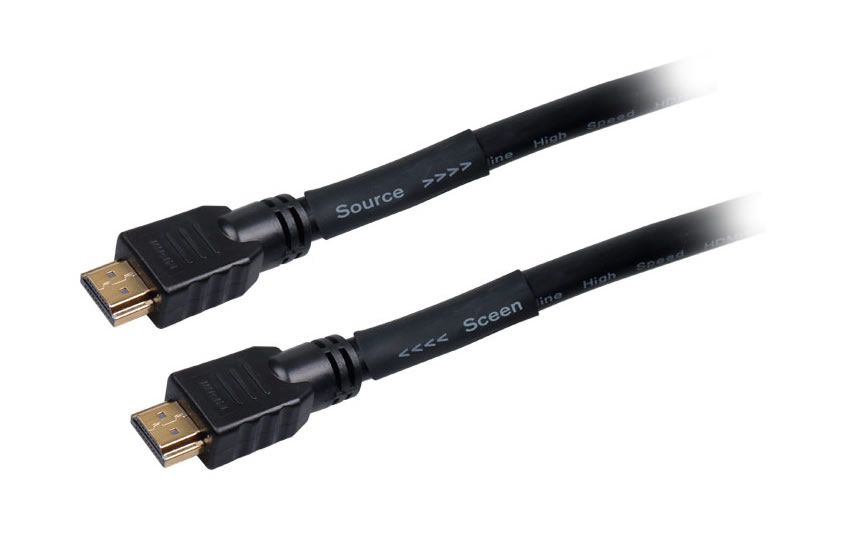
HDMI to HDMI 40m
- HDMI Cable 40m
- Full HDMI to Full HDMI
- 4K, 3D, Deep Color
- Up to 3840x2160pix

HDMI to HDMI 50m
- HDMI Cable 50m
- Full HDMI to Full HDMI
- 4K, 3D, Deep Color
- Up to 4096x2160pix
HDMI to HDMI 5m
- HDMI Cable 5m
- Full HDMI to Full HDMI
- 4K, 3D, Deep Color
- Up to 3840x2160pix